
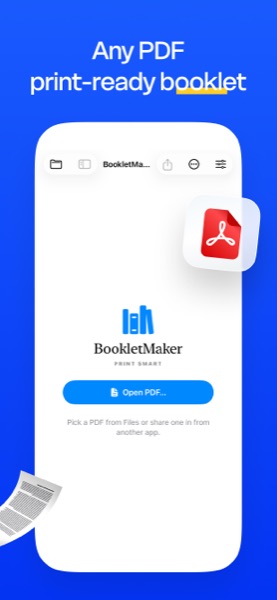
Turn any PDF into a print-ready booklet. Saddle-stitched signatures, 2-up and 4-up imposition, cleanup tools, page numbers, watermarks, and an inline editor that lets you fix typos in baked-in text without going back to the source file.
A few moments from BookletMaker on Mac, iPad, and iPhone.
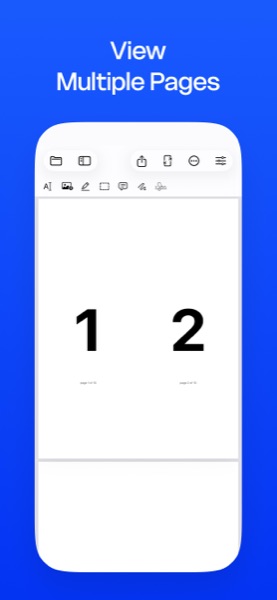
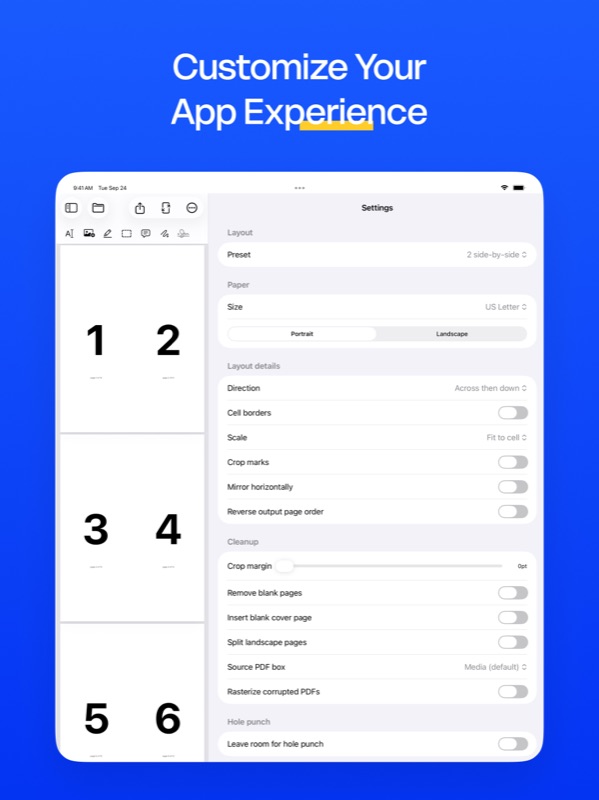
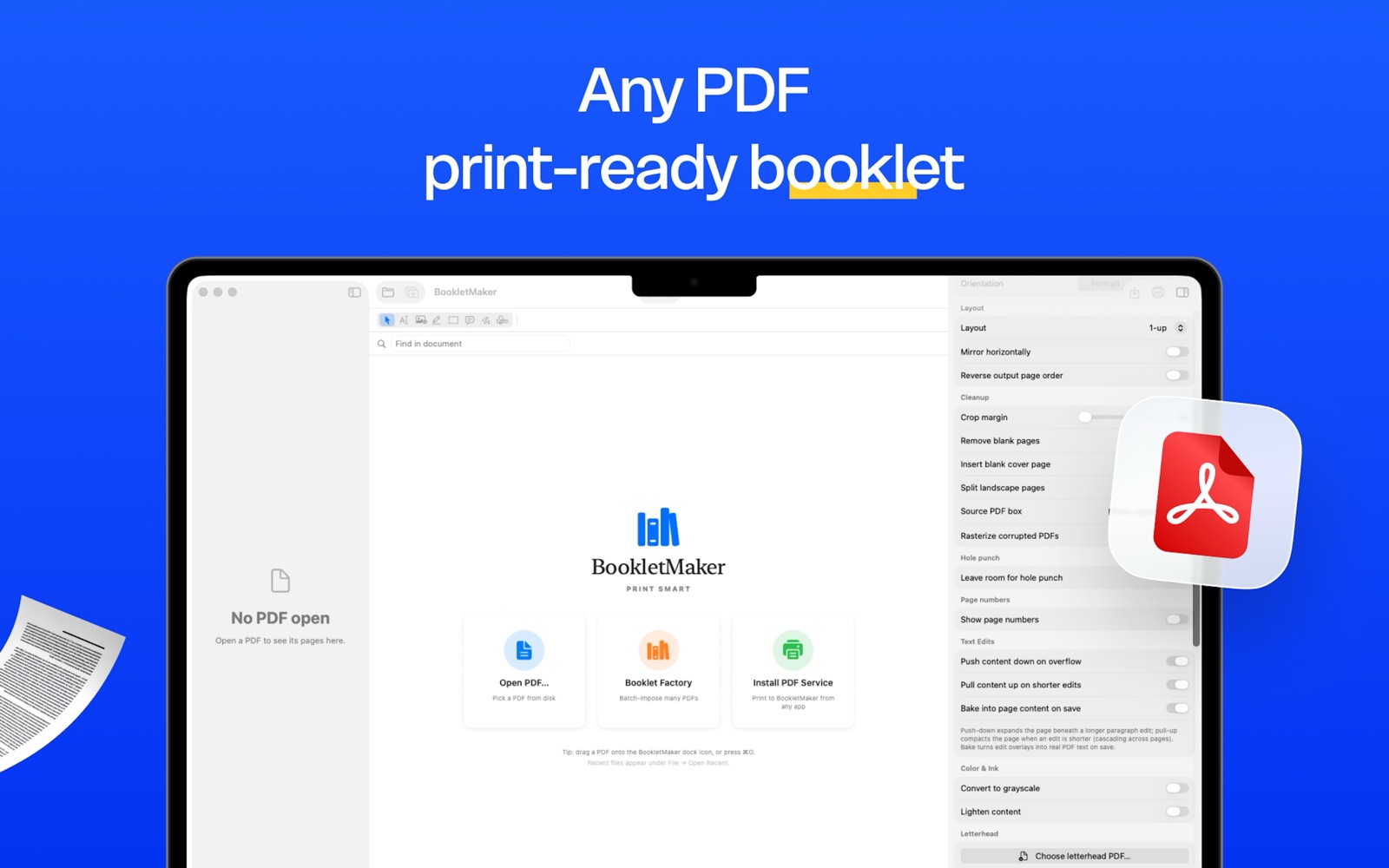
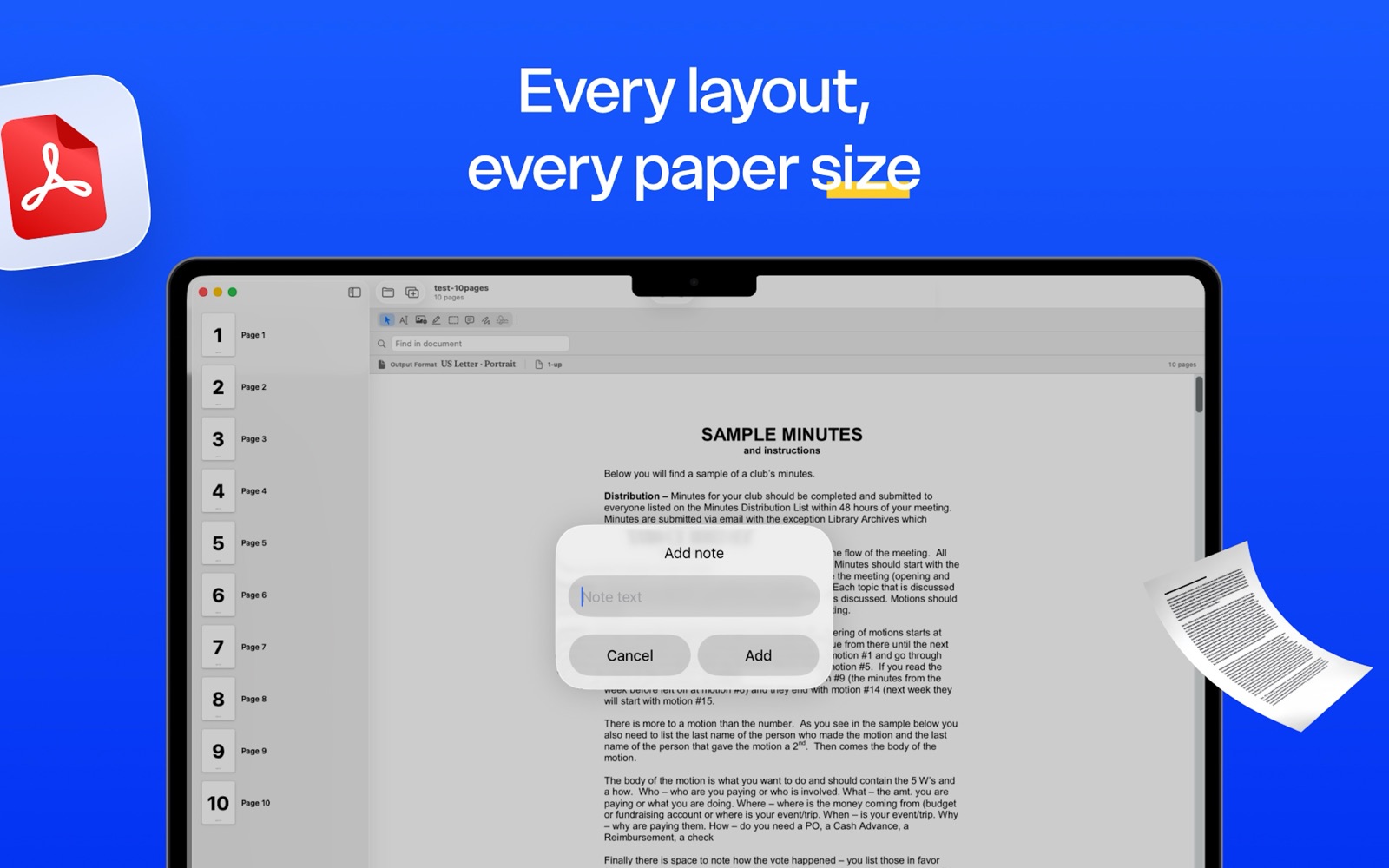
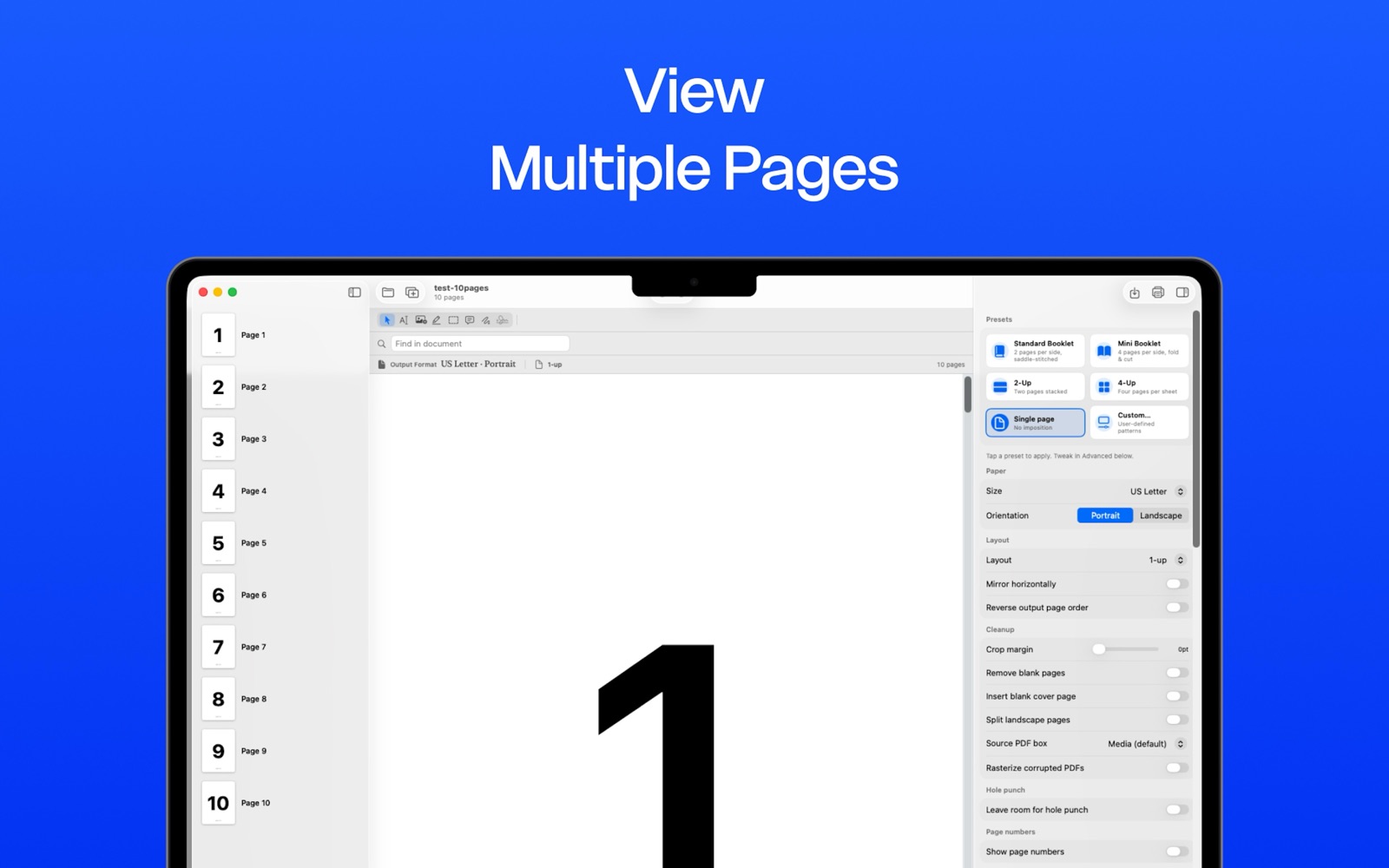
Saddle-stitched booklet, mini-booklet, 2-up, 4-up, custom n-up — and the controls that matter for the cut.
Configurable signature size from a single booklet to 32-page signatures, with creep compensation that pulls inner pages out by a configurable amount per sheet.
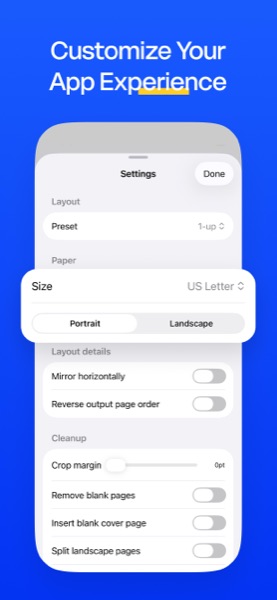
Standard layouts plus any custom n-up grid. Choose paper, orientation, direction, scale, cell borders, crop marks — BookletMaker handles ordering and rotation.
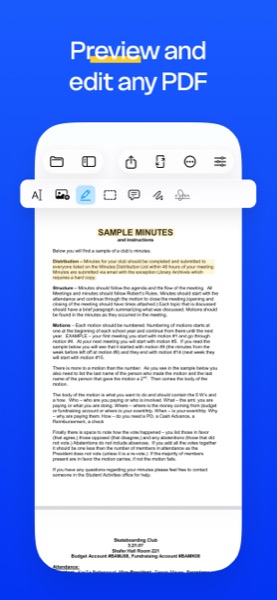
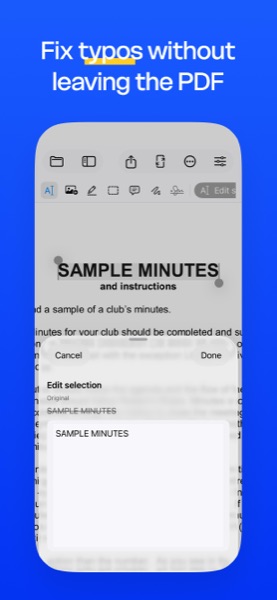
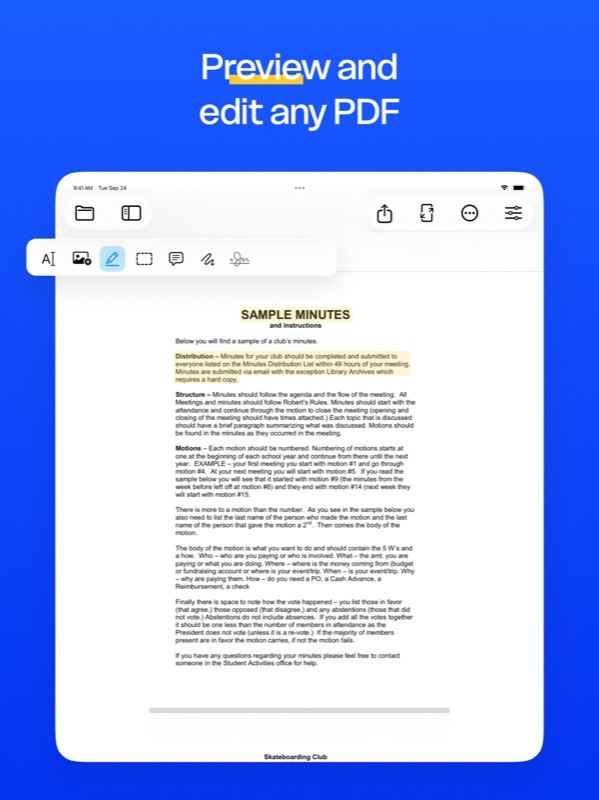
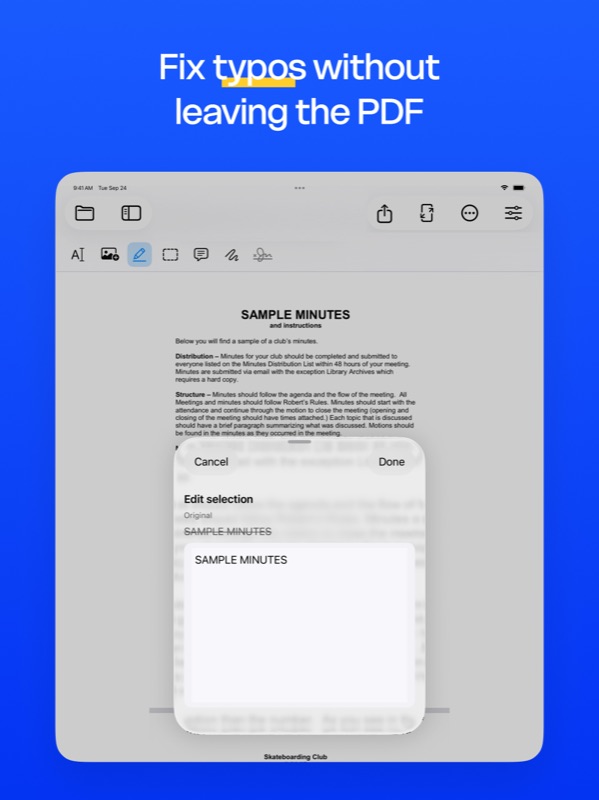
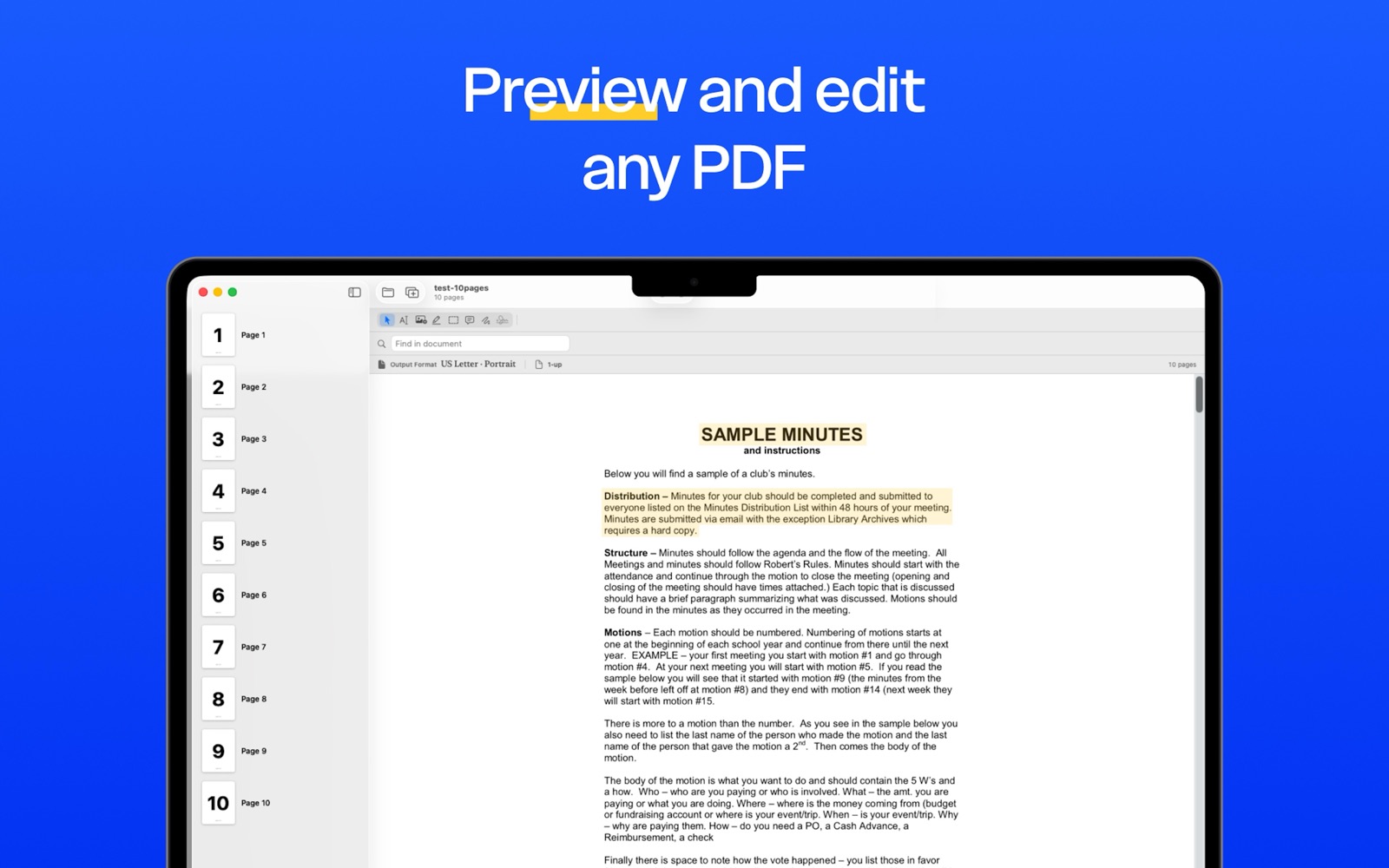
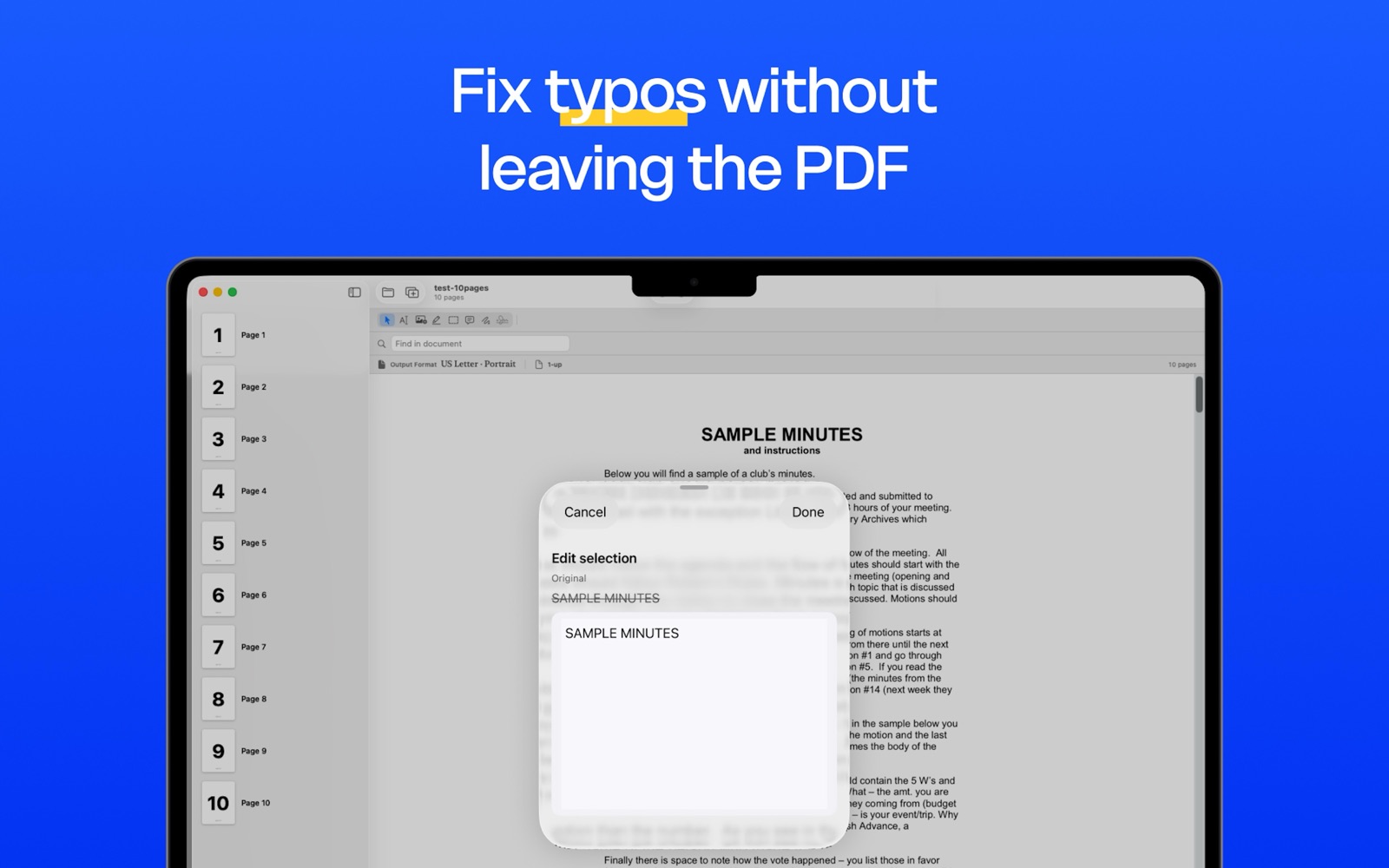
Tap a paragraph to edit text directly in the PDF — original font, size, and color preserved. Surrounding content reflows so longer edits push down.
Search across the entire document and replace every match with proper font matching. Whited-out and overlaid using the original glyphs.
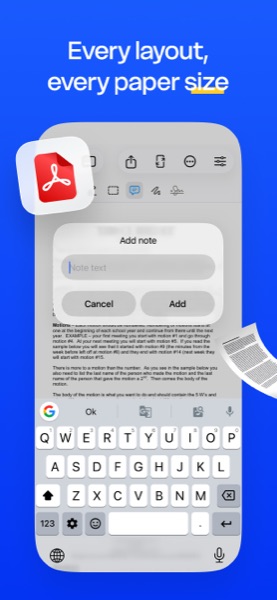
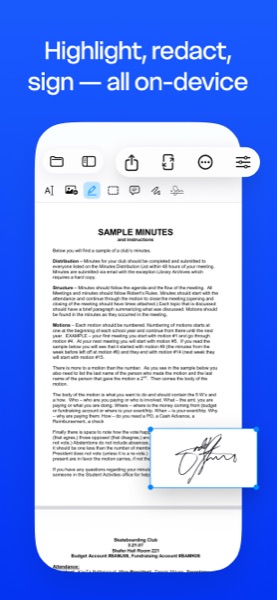
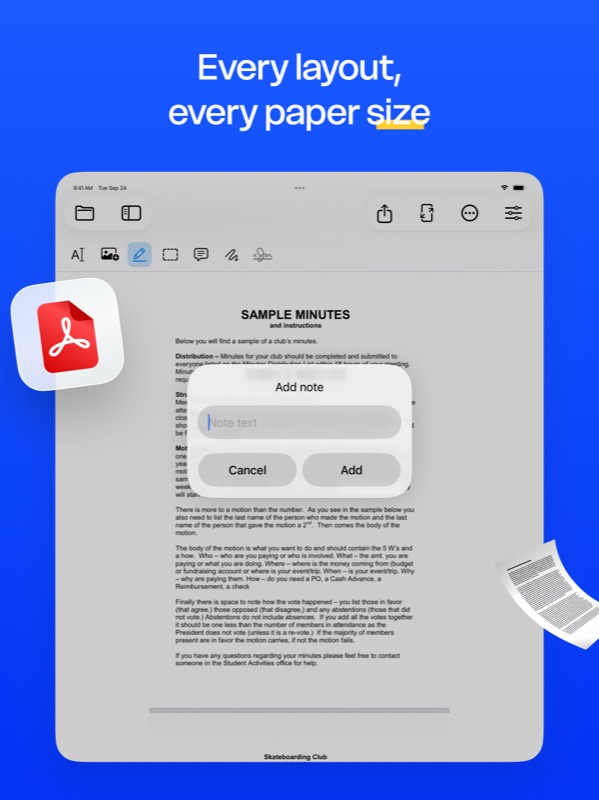
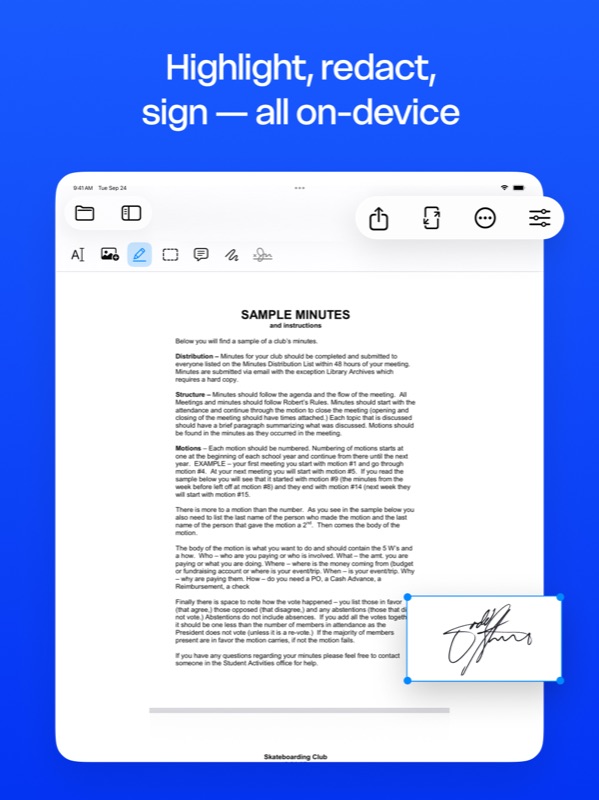
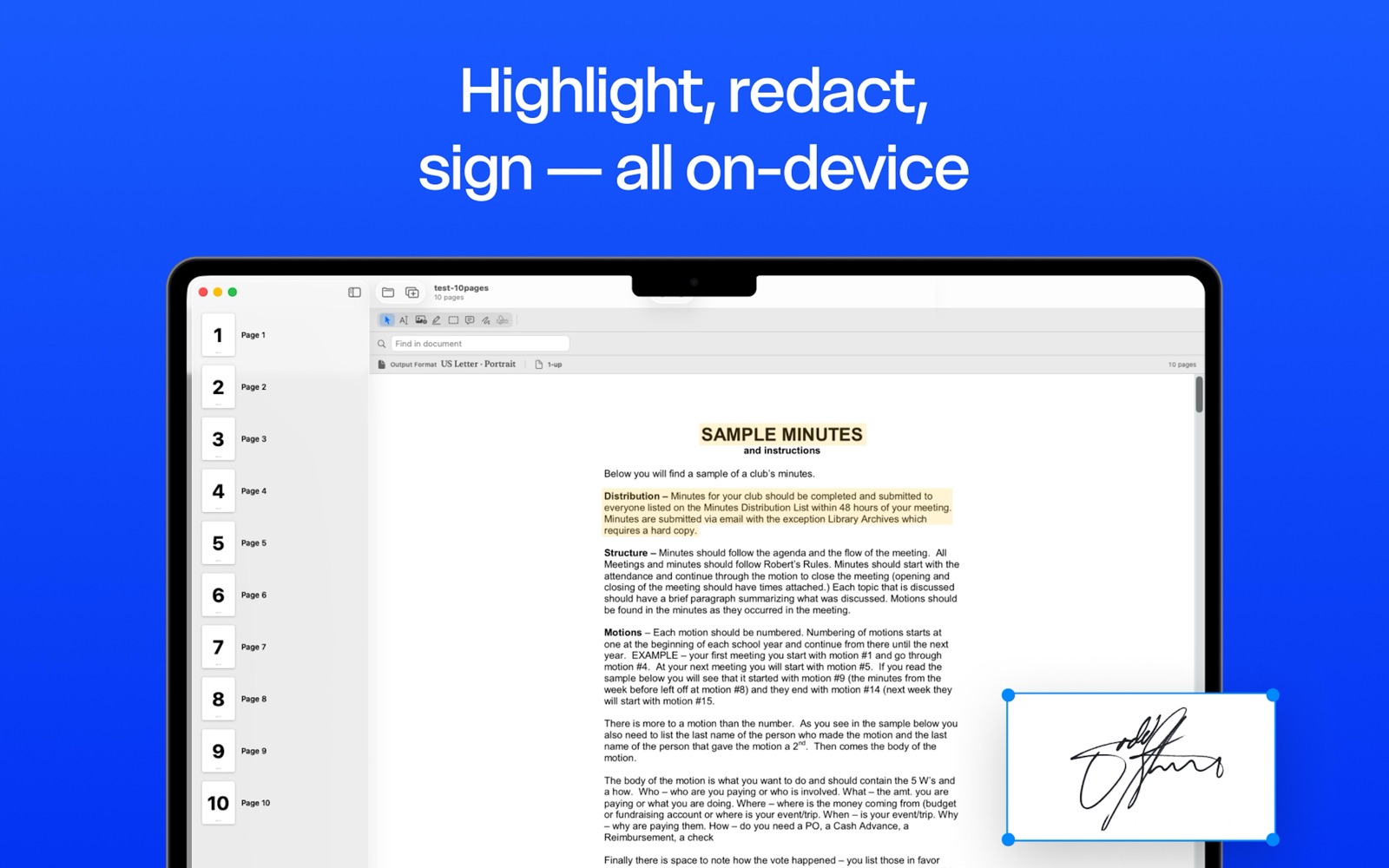
Highlight, redact, sticky notes, ink, signature stamps, image insertion — all with cross-platform commit pipelines.
Run on-device OCR over scanned PDFs to make them searchable. Save the recognized text as a plain-text file.
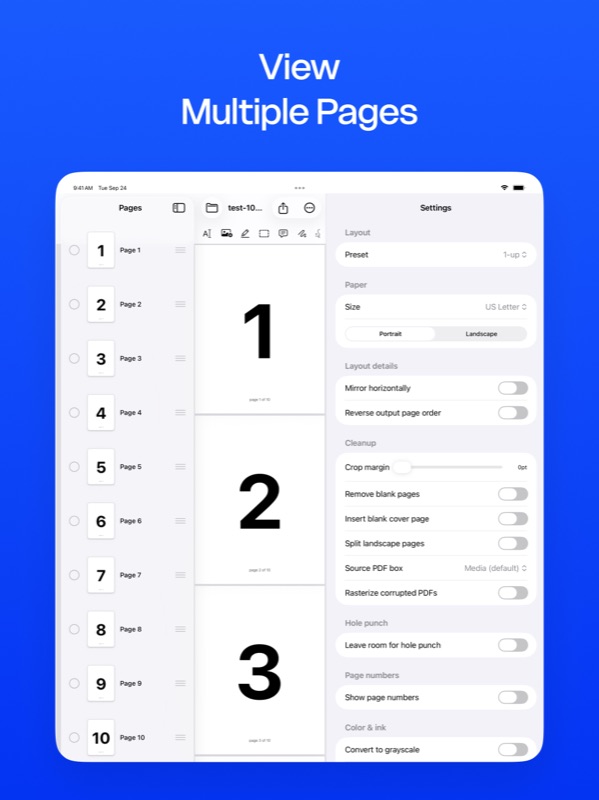
Crop margins, remove blank pages, split landscape spreads into portrait halves, rasterize corrupted source PDFs, choose which page-boundary box (media / crop / trim) to use.
Position (top, bottom, inner, outer), font size, color, format token ({n} or {n} of {total}), starting offset, and skip-first behavior for cover pages.
Leave the right margin for 2-, 3-, 4-, or 6-hole binders with visual guides.
Text watermark with adjustable opacity. Use any 1-page PDF as a letterhead applied to all pages, first page, odd, or even.
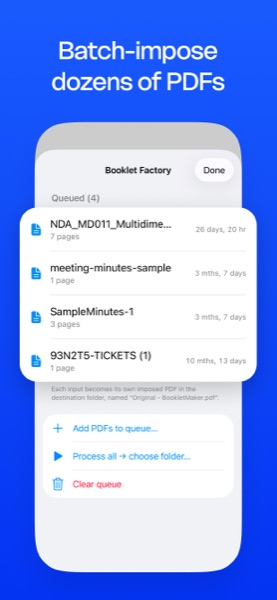
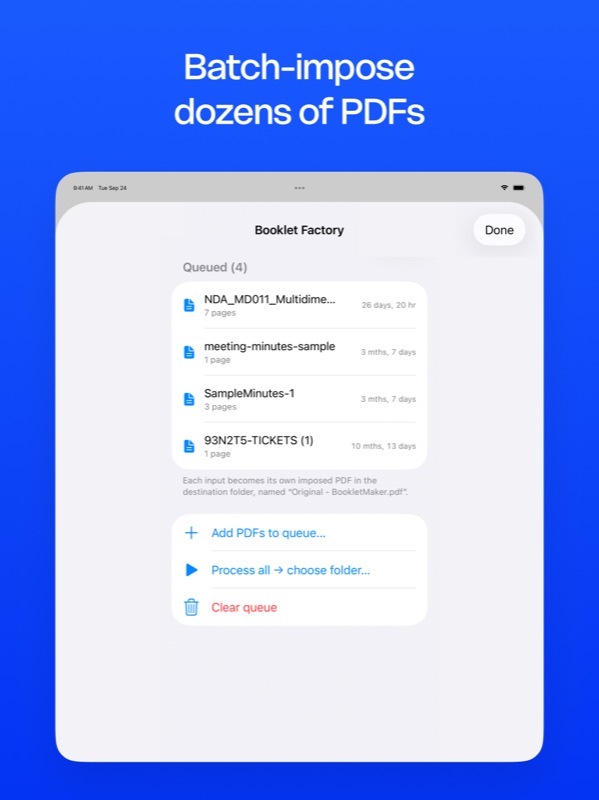
Batch-impose dozens of PDFs in one run. Drop the output to a folder of your choice, every file imposed with the current preset.
Save imposed PDF, flatten annotations, export with a password, export each page as PNG / JPEG / TIFF, copy as PDF, or print directly via AirPrint.
BookletMaker runs entirely on your device. Your PDFs never leave your Mac, iPad, or iPhone. No accounts, no cloud upload, no analytics on what you print.